
SPACE - PAPER CUTS (PROMPTS)
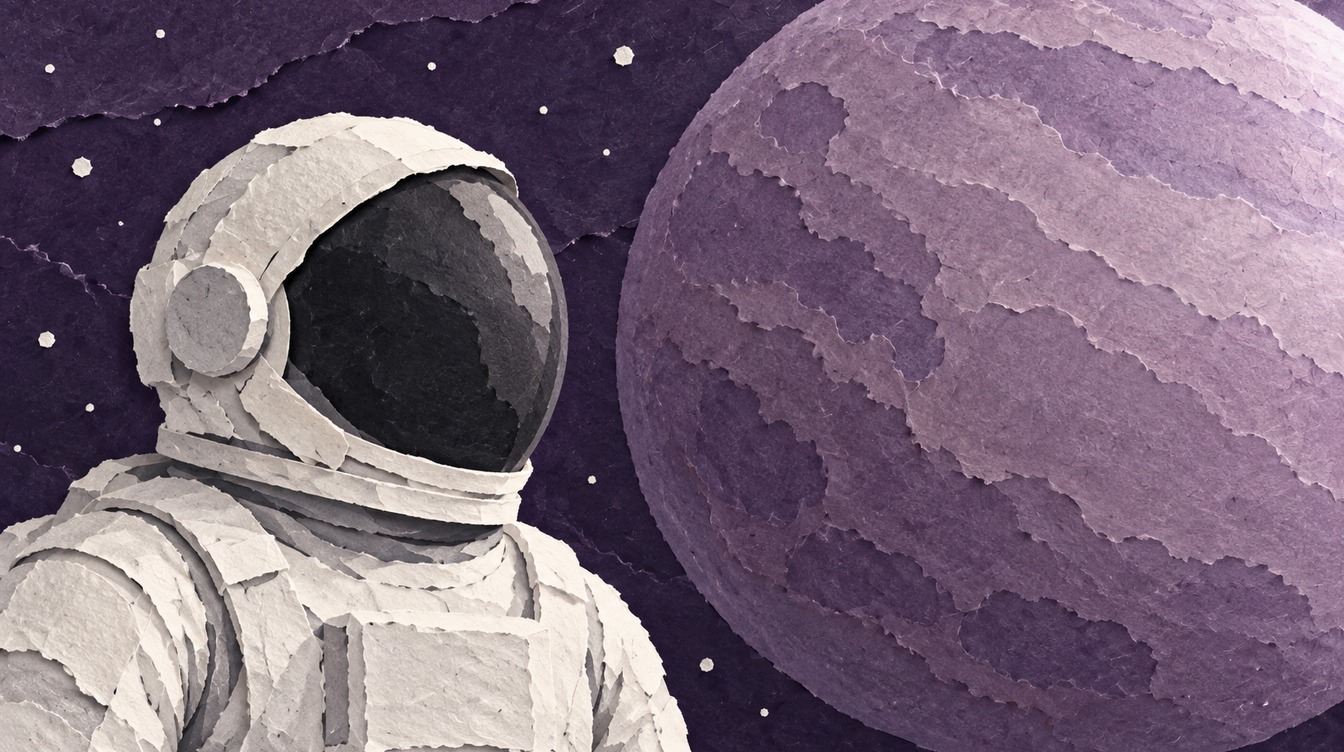
Make this space scene, then watch its paper layers assemble.
1. Create the image
Attach this reference picture for its paper texture. Paste the prompt below. Choose a landscape image.
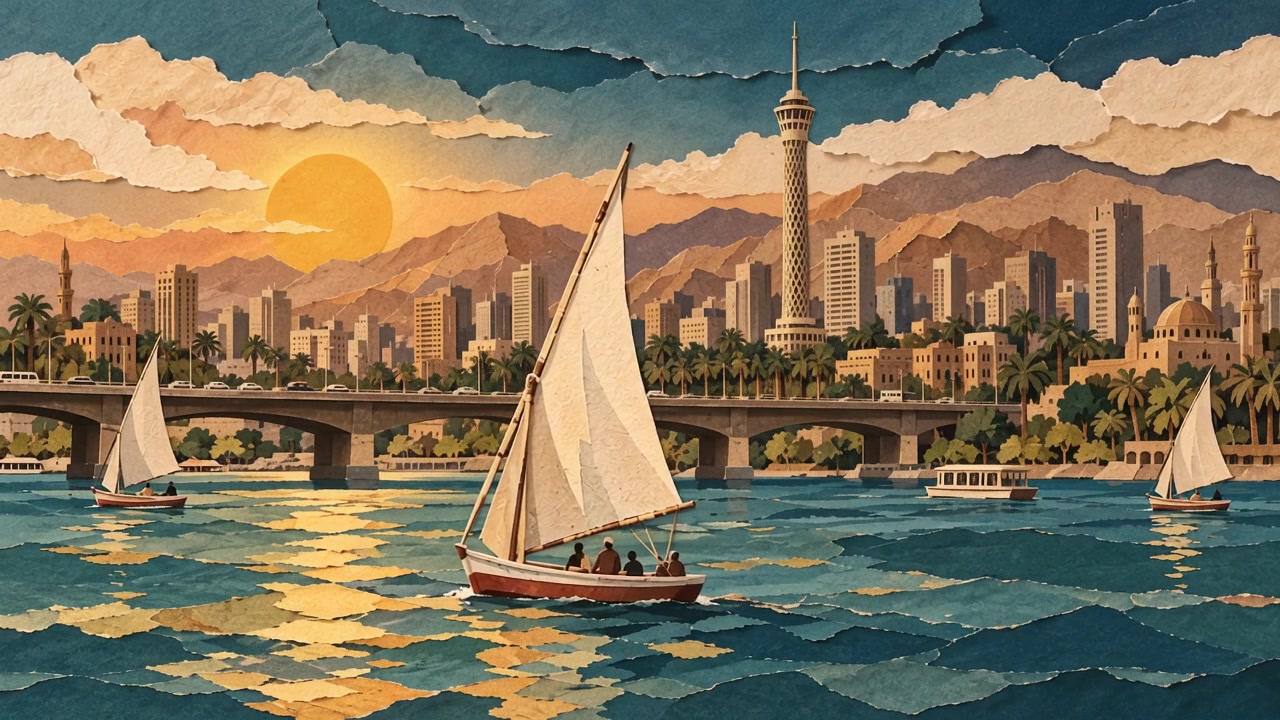
Use IMAGE 1 only for its layered matte paper, torn edges, paper fibres and soft contact shadows. Create a different composition: landscape chest-up portrait of one astronaut on the left, white suit, opaque charcoal visor, three-quarter profile facing right. Keep the whole helmet and both shoulders inside frame; hands outside frame. One huge ringless dusty-lilac planet fills the right background. Sparse white paper stars on deep purple paper. Soft cool light from upper right. Palette: deep purple, dusty lilac, bright white, charcoal. No horizon, water, boats, sunset, buildings, spacecraft, text or logos.
To use our finished image, download the astronaut picture.
2. Animate the paper layers
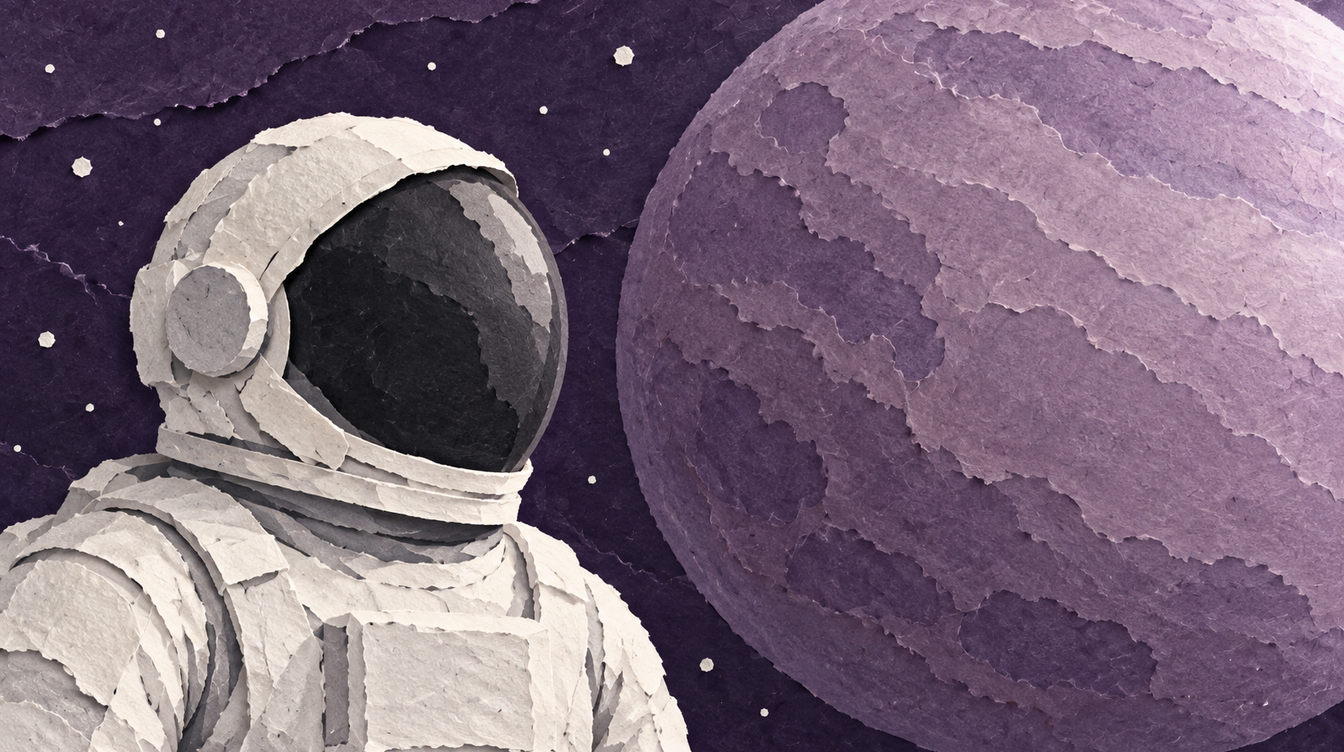
Google Gemini Omni Flash 1.1. Image to video, 16:9, 5 seconds, 720p, silent. Use the plain purple picture as the first frame. Use your astronaut picture as the final frame.

Make one 5-second landscape paper-cut animation. The first image is the starting frame. The second image is the final composition. Keep the matte paper texture, torn edges, colours, astronaut helmet and suit, planet surface, star count and final placement from the second image. Static camera throughout: no zoom, pan, parallax or cuts. From 0.0 to 0.4 seconds, hold the plain purple background. From 0.4 to 1.0 seconds, reveal the torn purple background layers and existing stars. From 1.0 to 2.2 seconds, slide the complete planet layer slowly into its final place from the right. From 2.2 to 3.6 seconds, slide the complete astronaut layer slowly into its final place from the bottom, without changing its pose. From 3.6 to 5.0 seconds, hold the completed composition still. Each paper layer settles once, without bounce or camera shake. Keep the astronaut as one rigid paper layer: no head turn, breathing, arm movement or visor change. Do not add objects, people, spacecraft, text, logos or new stars. End on the second image. No music, no dialogue, no sound effects.
3. Use it in your video
- Keep the clip at 16:9 for a landscape YouTube video.
- Place the clip where your narration introduces space exploration.
- The example is silent. Add your own narration or music in your editor.
AI tools can produce different results from the same prompt. Check the movement and final frame before exporting.