
Animated storytelling
A short story with narration and captions.
Example only · Guide coming later
Your ideas. In motion.
Learn how to turn your ideas into finished videos with AI. Follow real examples, prompts, and step-by-step guides.
Start with our free paper-cut guide. No sign-up needed.
A short story with narration and captions.
Example only · Guide coming laterUse a reference picture and prompts to build the scenes for your video.
Give clear directions for what moves and what stays still.
Put the clips together. Add narration or music, then export your video.
Bring your ideas to life, without appearing on camera.
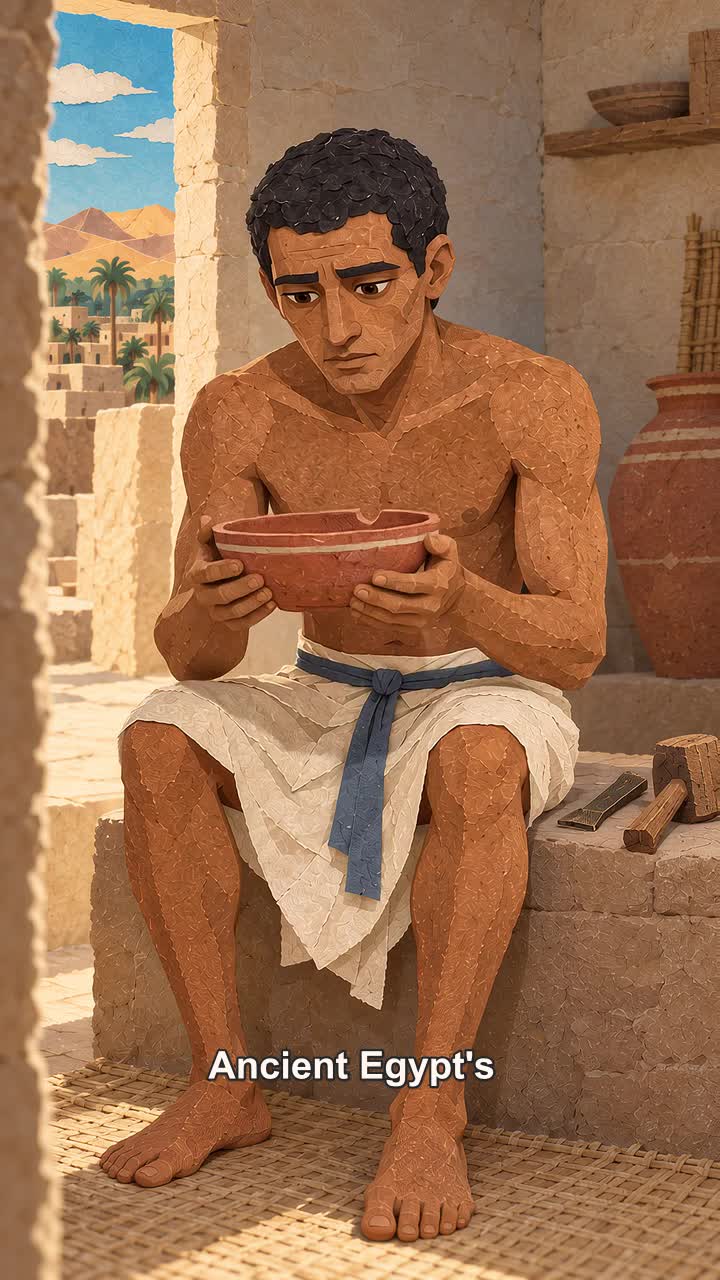
Bring history, places, and educational topics to life with animated scenes.
Watch the Egypt and space examplesTurn short stories and ideas into vertical videos with narration and captions.
Watch the storytelling exampleCreate paper-cut scenes for your educational YouTube videos. Start with the Egypt image and animation prompts.
No email needed. AI tools may have their own costs.
Browse all free guidesFinetoon shares examples, prompts, and guides. You create images and animations in the tools named in each guide.
The Egypt, Tokyo, Vietnam, and Italy guides include image prompts and animation settings. Their editing examples show a vertical comparison layout; use the full horizontal scenes for educational YouTube videos.
The guides are free. The tools you use to generate images and video may charge separately.
You can use animated scenes to illustrate stories and explainers without appearing on camera.
Our free guides cover paper-cut scenes you can use in educational videos. A complete long-form YouTube course is not available yet.
The paper-cut guide uses AI-generated images and a reference picture. You do not need to draw the scenes yourself.
You will need an image tool, an animation tool, and an editor to put your clips together.